The Problem
Kanji is the biggest barrier for Japanese learners trying to read real content online. News articles, blogs, and social media become walls of unreadable characters — and constantly looking up readings breaks the flow of natural reading.
The Solution
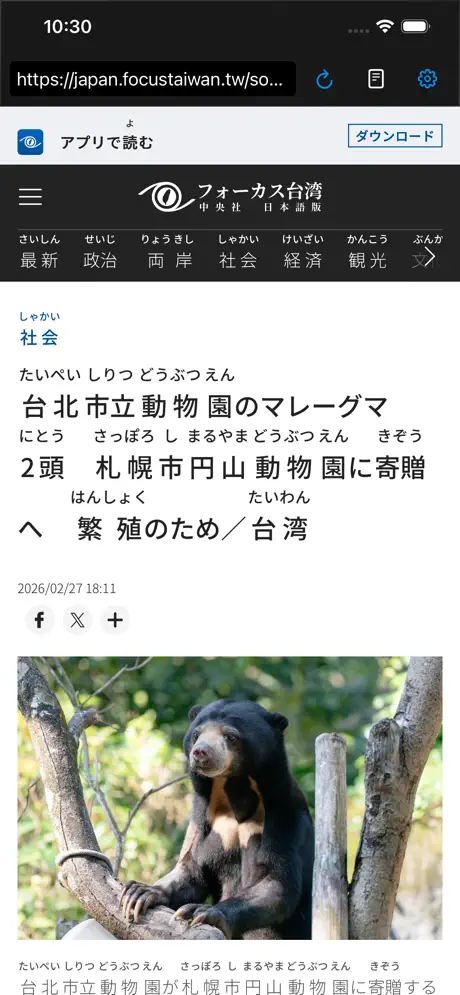
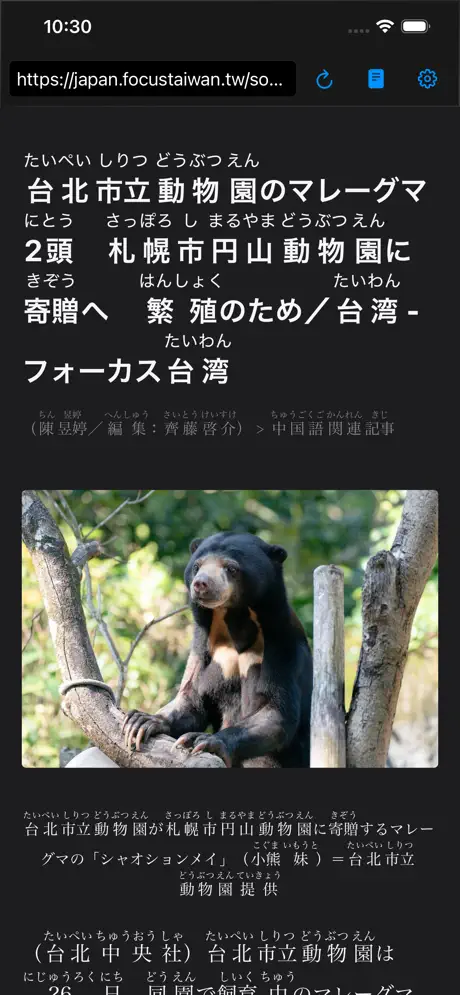
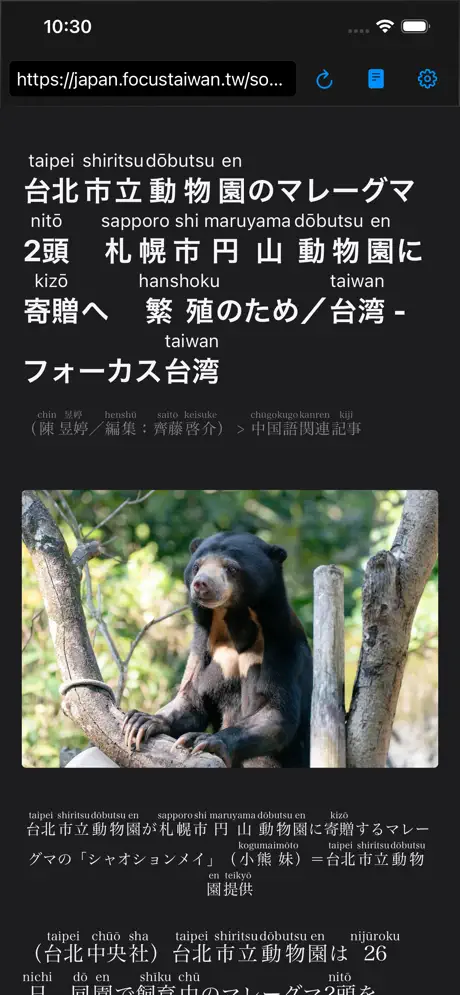
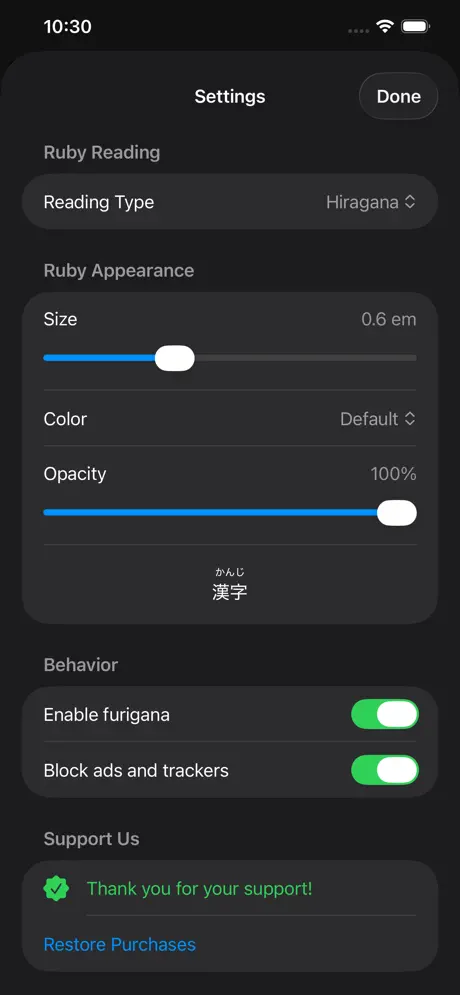
Furigana Reader is a browser that automatically annotates every kanji on any website with its reading — in hiragana or romaji. Powered by MeCab morphological analysis, it lets learners read Japanese content naturally without interruption. Tap any word to see its dictionary definition, switch to reader mode for distraction-free articles, and customize the display to match your level.
See It in Action
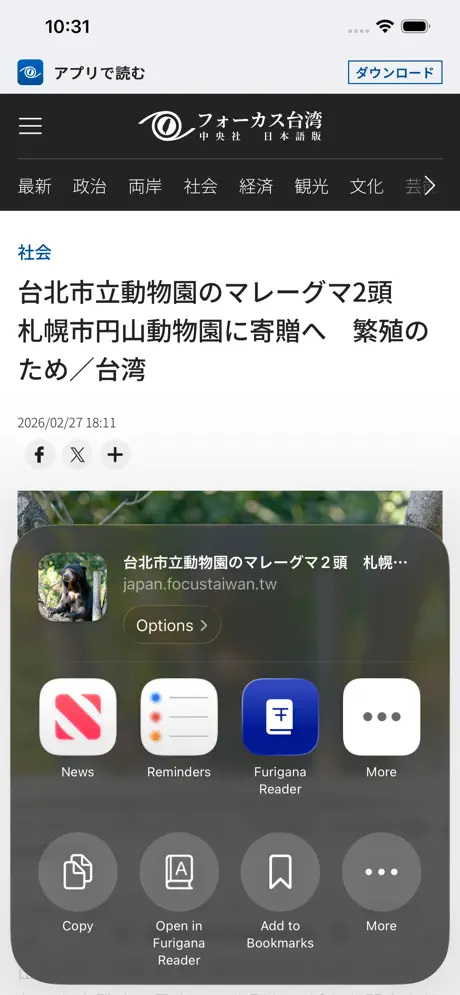
Native on Both Platforms
iOS
- SwiftUI + WKWebView
- MeCab via Swift package
- StoreKit 2 for in-app purchases
- Share & Action Extensions
- 7 languages localized
Android
- Jetpack Compose + WebView
- MeCab via NDK / JNI (C++)
- Google Play Billing
- Share intent integration
- 7 languages localized
Key Features
Automatic Furigana
Annotates kanji with hiragana or romaji readings
Reader Mode
Clean, distraction-free article view
Dictionary Lookup
Tap any word to see its definition
Ad Blocking
Built-in tracker and ad blocking
Customizable Display
Adjust ruby size, color, and opacity
Share Extensions
Open links from other apps instantly
Technologies Used
Try Furigana Reader
Start reading Japanese websites with confidence — free on both platforms.
Ready to build something great?
Let's discuss your next project and explore how we can bring your vision to life.